Live events are fast-paced, high-energy, and full of raw candid moments. But if you have ever tried to manage event photo sharing for a wedding, anniversary, or corporate party, you know the frustration. Asking guests to text photos next week, write down a hashtag, or download a specialized app usually ends in a disappointing result: low participation, compressed files, and a lot of chasing.
Friction is the single biggest killer of collaborative event albums.
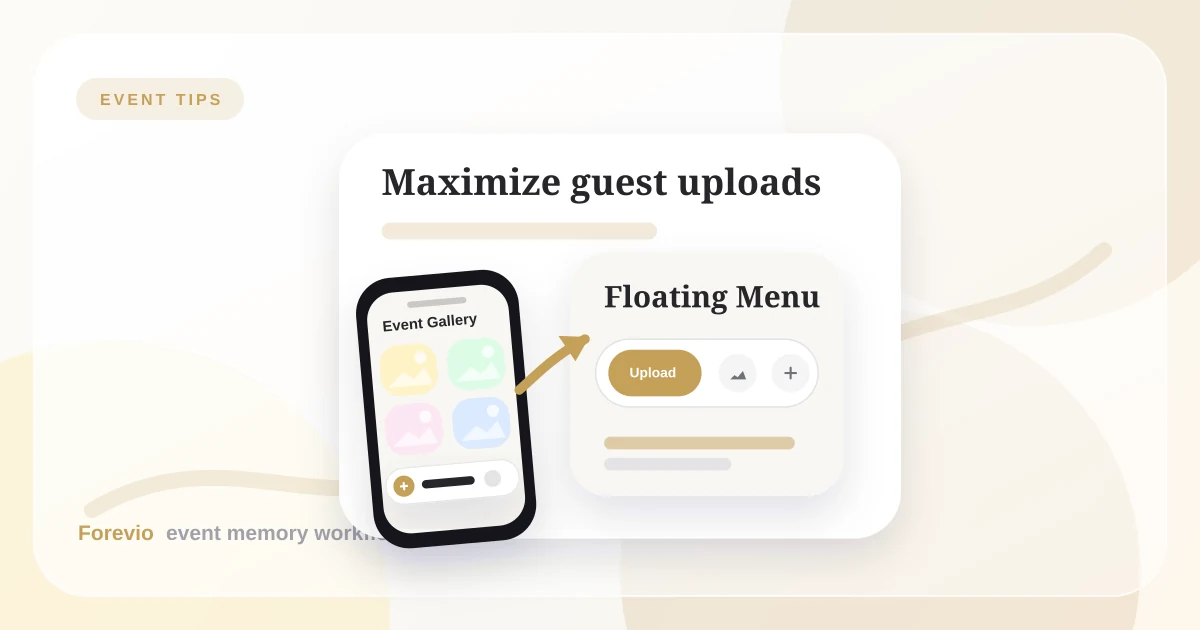
To solve this, we designed the Forevio User Bar—a single, elegant, floating navigation menu that rests at the bottom-right corner of the guest's screen. Instead of cluttering the gallery with heavy menus, this floating button adapts to who is looking at it, ensuring guests can upload in seconds and hosts can manage the entire event directly from their phones.
Here is how this simple component changes the game for event photo sharing.
Frictionless Workflow
The Fastest Path from Phone to Gallery
Scan
Guests open the album from a table card, invite, or venue screen.
Upload
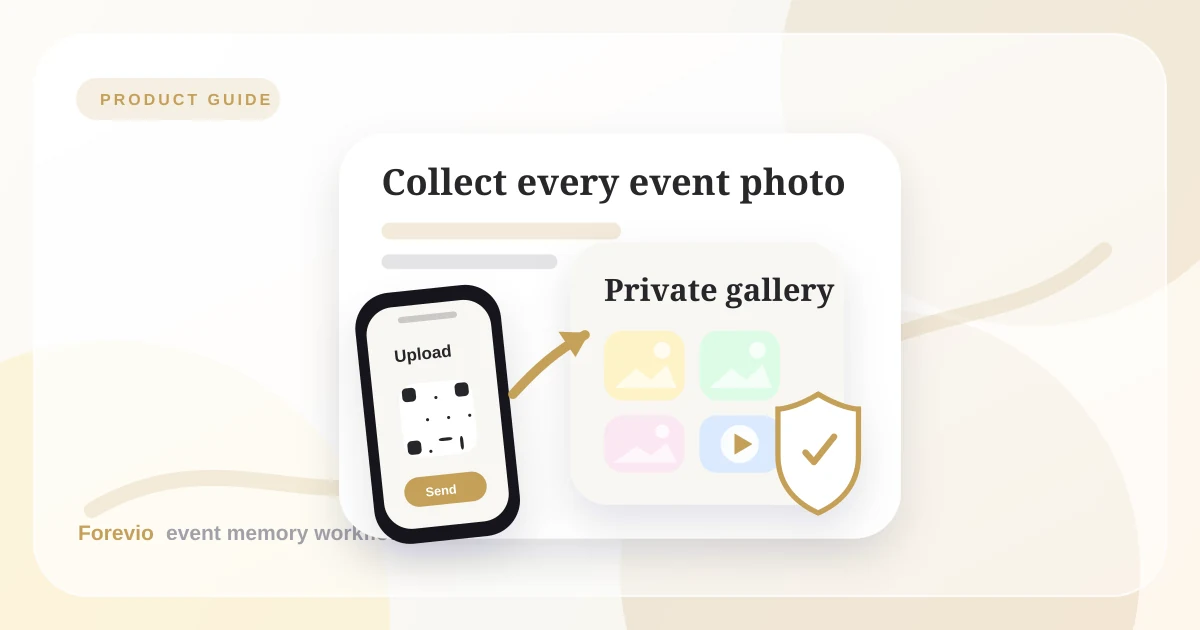
Photos and videos go straight from their browser into your event gallery.
Relive
The couple or planner reviews, exports, and shares the final collection.
Why Traditional Event Photo Sharing Navigation Fails
Most event photo websites use standard layouts designed for desktop computers: top headers, hamburger menus, and footers. When you try to set up an event photo sharing workflow on mobile, these elements present serious drawbacks:
- They waste screen space: A header menu eats up valuable pixels that should be showing off your beautiful guest photos.
- They are hard to reach: Standard menus sit at the top of the screen, forcing users to stretch their thumbs or use two hands just to navigate.
- They hide key actions: The most important button—"Upload Photos"—gets lost in a list of contact forms, about pages, and settings.
At a wedding or party, your guests have their hands full with drinks, plates, and conversation. The navigation must be thumb-friendly, instant, and invisible when not in use.
1. Frictionless QR Code Photo Upload for Guests
For guests, the User Bar represents absolute simplicity. They scan a QR code at your venue, and the photo album opens immediately in their mobile browser.
The User Bar sits comfortably in the bottom corner—precisely where the thumb rests naturally. The moment they scan the QR code, the User Bar provides an easy qr code photo upload interface where they can tap to upload immediately:
- Upload Memories: A brightly highlighted button that opens the phone's camera roll immediately.
- Shared Gallery: A quick shortcut to view what other guests have uploaded.
- Theme Toggle: An easy way to switch between light mode and dark mode depending on venue lighting.
Because there is no app to download, no account to register, and no profile to set up, guest participation rates shoot up. Guests can scan, tap the highlighted upload button, and return to the celebration in under fifteen seconds.
Interactive Memory Vault
Safe, High-Quality Photo Storage
Original files
1,428 memories saved
2. Private Wedding Photo Sharing with Live Moderation
For wedding photo sharing, hosts need a simple way to moderate photos live. If you are hosting a wedding or managing a brand showcase, you don't want to carry a laptop around to manage settings or filter incoming uploads. You need to be present at the party.
The magic of the User Bar is that it adapts to who is using it. While guests see a simplified menu, logging in as the event host or planner transforms the bar into a powerful command center:
- Live Moderation Queue: Tap the shield icon to review incoming guest uploads instantly. If a guest accidentally uploads a blurry photo, a duplicate, or a private screenshot, you can hide it from the public gallery in one tap.
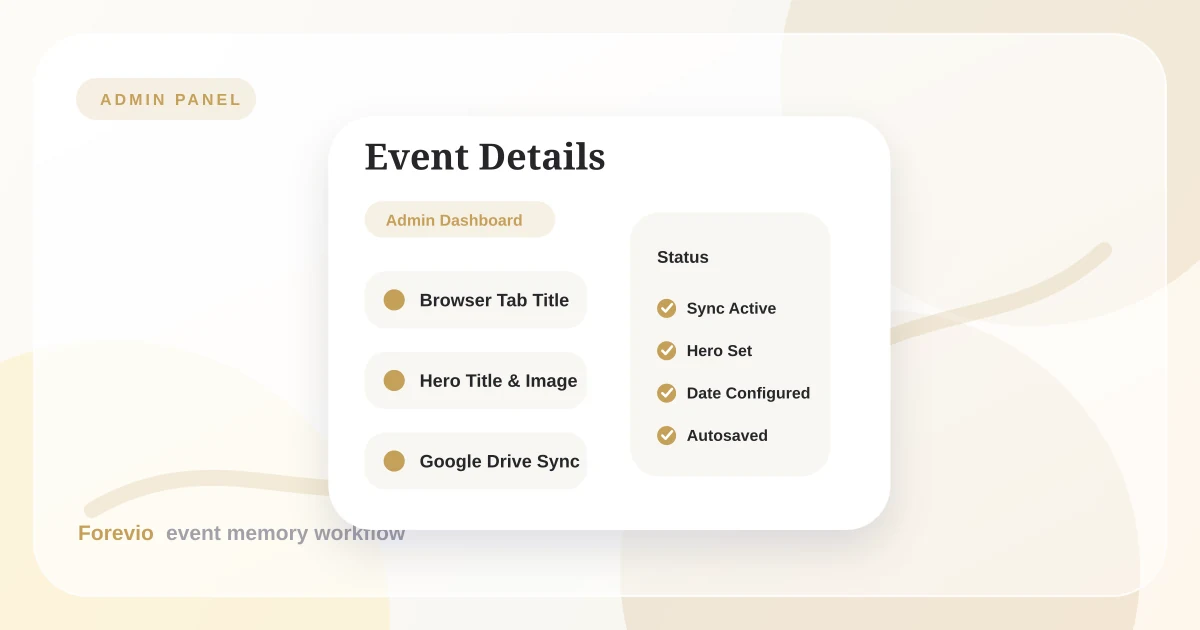
- Admin Settings: Access your browser settings, edit the main wedding banner, update the event date, or connect Google Drive backup directly from your phone.
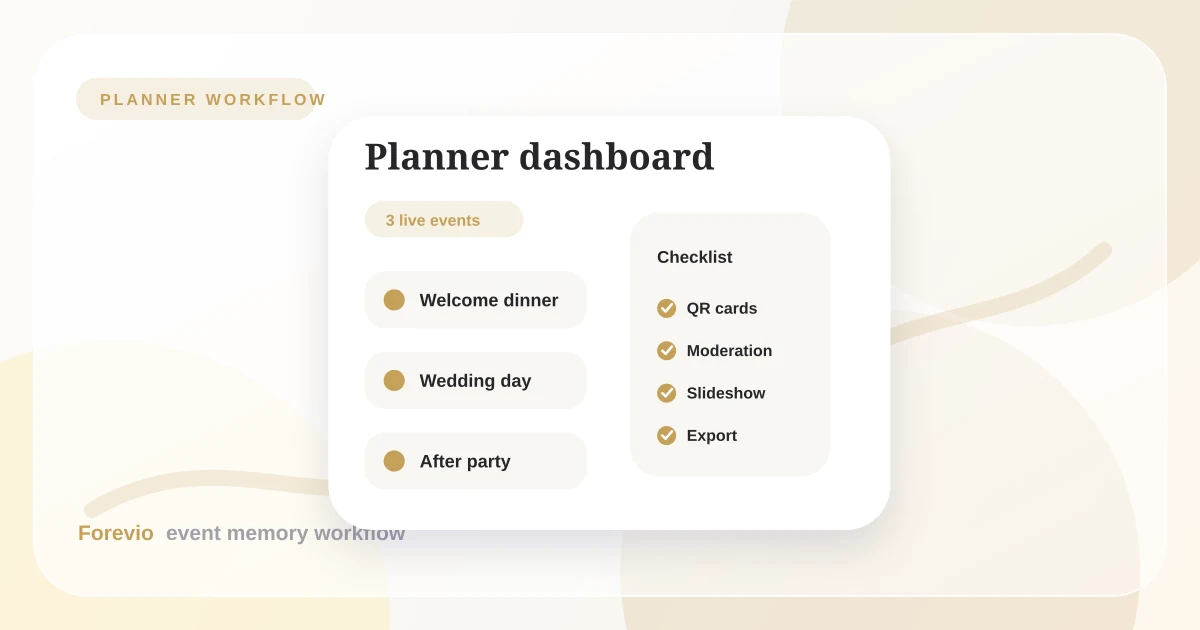
- Create Event: Planners and photographers can instantly spin up a new collaborative album for their next client without leaving the current view.
By moving these tools into the floating menu, you can keep the gallery clean, keep your guests safe, and manage the event timeline on the go.
3. Unobtrusive Event Photo Sharing with Smart Interactions
A great digital album should feel like a premium keepsake box, not a complex database. The User Bar supports this with two smart interaction features:
3.1 The Onboarding Spark
When guests first open the QR link, they might not notice a collapsed menu button. To guide them without annoying pop-up tutorials, the User Bar performs a brief intro animation. It automatically expands for a second and a half on page load—showing the guest exactly what options are available—and then quietly collapses. It teaches guests how to use the site visually and dynamically.
3.2 Inactivity Auto-Dismissal
When a guest is scrolling through the shared gallery, the navigation menu should stay out of the way. The User Bar is programmed to automatically close after 5 seconds of inactivity. If a guest opens it to switch to dark mode, the menu does its job, waits, and then tucks itself away. It only stays open if the user hovers over or continues tapping the menu.
4. Navigating Low-Connectivity and Congested Event Networks
One of the biggest real-world challenges during events is network congestion. When hundreds of guests gather in a wedding barn, rustic estate, or hotel ballroom, cellular towers and local Wi-Fi networks quickly become overloaded. Sending large, uncompressed 10-megapixel images over a congested 3G or weak LTE network is a recipe for failed uploads and frustrated guests.
To address this, the upload system inside the User Bar runs client-side image optimization before transmission:
- Client-Side Compression: Photos are resized and optimized directly in the guest's mobile browser before being sent to the server. This reduces a heavy 10MB image down to a highly optimized, high-resolution 1MB file in milliseconds.
- Asynchronous Upload Queue: The User Bar coordinates uploads in the background. If a guest's signal drops momentarily while they walk back to their table, the upload automatically pauses and resumes once a connection is re-established.
- Visual Progress Indicators: Guests receive clear, real-time feedback on their upload status, ensuring they know their photos were successfully received.
This background engineering ensures that photo sharing works smoothly, even in the most remote venues with limited cell service.
5. The Math of Guest Participation: App vs. Browser
Every step you add to a user flow decreases conversion rates by 20% to 50%. When you ask guests to share photos at an event, the friction funnel looks like this:
- App-Based Funnel: Scan code → Redirect to App Store → Download App (often 50MB+) → Open App → Register account with Email/Password → Grant Camera Permissions → Enter Event Code → Select and Upload Photos.
- Browser-Based Funnel (Forevio): Scan QR Code → Tap "Upload Memories" → Select and Upload Photos.
By eliminating app store downloads, mandatory registrations, and username setups, Forevio cuts the participation barrier down to the absolute minimum. Real-world tests show that while app-based photo sharing tools struggle to get more than 10% to 15% of guests to participate, browser-based galleries with floating navigation regularly achieve 60% to 80% engagement rates.
Workflow Comparison
How the Floating Menu Compares to Traditional Workflows
The Ultimate Goal: High Participation
When you design an event, every detail matters—from the table centerpieces to the music. The digital experience should be no different.
By replacing standard website navigation with a floating, context-aware User Bar, Forevio keeps the focus entirely on the memories. It gives guests the fastest path to upload their candid shots, gives hosts the power to moderate in real time, and ensures that the final event album is filled with genuine, high-quality moments from every perspective.
Related reads: Inside the Forevio Admin Panel: The 'Event Details' Tab, Choosing the Right Event Photo Collection Workflow, and How to Collect Wedding Guest Photos Without Chasing Everyone.
Quick answers
Frequently asked questions
How does the floating menu help guests upload photos?
It places a single, highly visible 'Upload Memories' button right at the guest's thumb-level. Because it works directly in the mobile browser, guests don't need to download an app or register for an account to share their photos.
Can I manage and moderate photos from my phone during the event?
Yes. When you log in as the event host, the floating menu automatically updates to show you the 'Moderation Queue' and 'Admin Dashboard'. You can approve or hide photos live in seconds, right from the dance floor.
Does the floating menu block the view of the photo gallery?
No. The menu automatically collapses into a small, elegant profile badge after 5 seconds of inactivity. It only expands when a guest taps it, keeping your shared digital album completely clean and distraction-free.