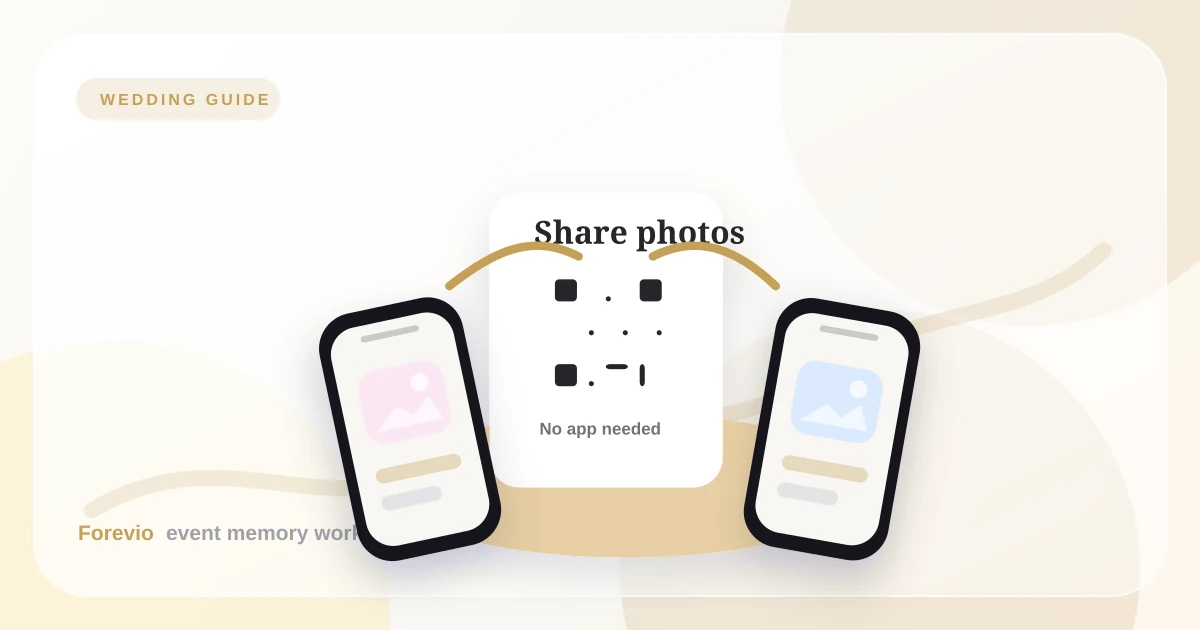
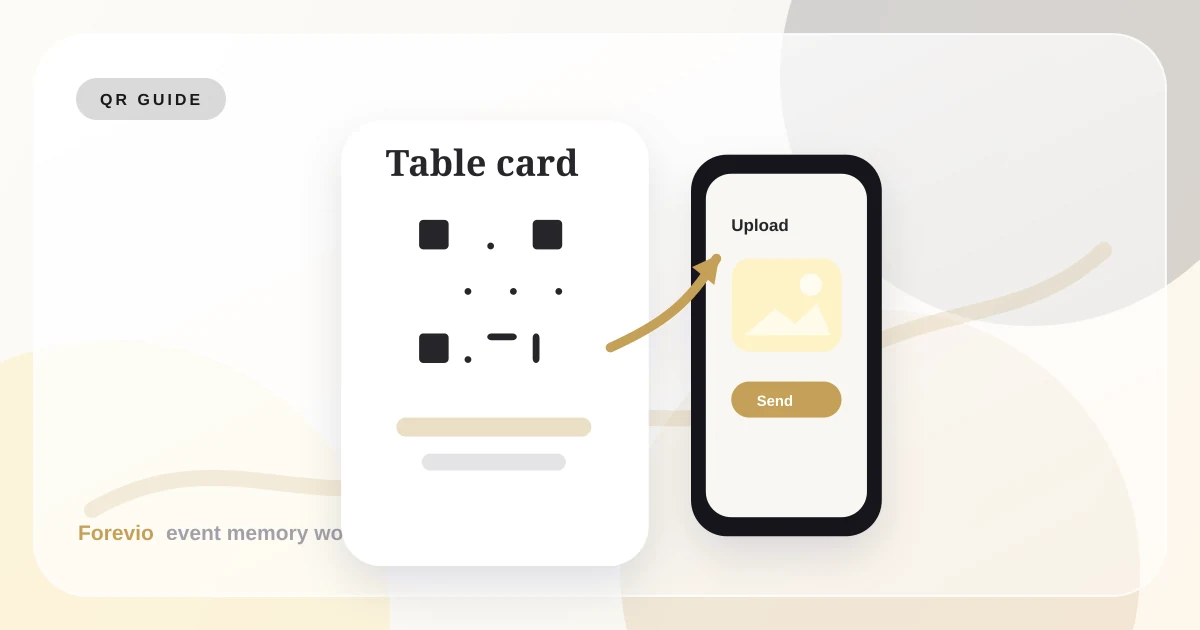
A wedding QR code for photo uploads sounds simple: print a code, point it at a gallery, and wait for photos.
In practice, the details make the difference between ten uploads and hundreds.
The best QR code systems are not just technically correct. They are placed well, explained clearly, announced at the right time, and connected to a private gallery guests trust.
QR upload flow
Scan, upload, return to the party
Scan
Guests open the album from a table card, invite, or venue screen.
Upload
Photos and videos go straight from their browser into your event gallery.
Relive
The couple or planner reviews, exports, and shares the final collection.
What the QR code should open
Your wedding QR code should open a dedicated upload page, not a generic folder.
The page should make three things obvious:
- This is the correct wedding or event.
- Guests can upload without downloading an app.
- Their photos are going to a private gallery.
If guests hesitate, they will close the page and go back to the party.
Best places to put the QR code
Use multiple placements, but do not overdo it.
Best placements:
- Welcome sign: good for early awareness.
- Table cards: best for actual scanning.
- Bar sign: guests pause here naturally.
- Photo booth: guests are already in photo mode.
- Projector screen: useful during cocktail hour or dancing.
- Thank-you card: helpful for next-day uploads.
Table cards usually perform best because guests have time to read, scan, and upload while seated.
QR code sign copy examples
Keep the copy short.
Table card
Alex & Sam
Share your photos
Scan to upload your favorite moments. No app needed.
forevio.app/alex-sam
Perfect for dinner tables and bars
Welcome sign
Alex & Sam
Help us build our guest album
Scan, upload, and add your candids to our private gallery.
forevio.app/alex-sam
Best near the entrance or gift table
Late-night prompt
Alex & Sam
Caught a great moment?
Scan here and send it to the couple in full quality.
forevio.app/alex-sam
Useful near photo booths or dance floors
The copy should answer the guest's silent questions: What is this? Is it safe? Is it annoying?
When to announce it
Do not announce uploads during the ceremony. People are focused, and phones should be quiet.
Better moments:
- Cocktail hour transition.
- Before dinner service.
- Right after speeches.
- Early dance floor energy.
A single announcement from the DJ or MC is enough. The goal is a friendly nudge, not a sales pitch.
How to design the card
Make the QR code large enough to scan from a normal seated distance. Add whitespace around it. Use high contrast. Do not place it on a busy floral pattern.
For a premium look, pair the code with:
- Couple names.
- Wedding date.
- One clear headline.
- A short privacy note.
- A matching accent color from the wedding palette.
Print-ready QR checklist
Before sending signage to print, check the practical details:
- Test the QR code with at least one iPhone and one Android phone.
- Make sure the destination page loads on mobile data, not only Wi-Fi.
- Keep enough quiet space around the QR code so cameras can read it.
- Avoid placing the code over florals, foil textures, or low-contrast colors.
- Add the short URL under the code as a backup.
- Print one sample card and scan it from a seated distance.
The backup URL matters. If a guest has a cracked camera lens, low light, or a phone that struggles to scan the code, they still have a path into the gallery.
Why moderation matters
A QR code makes uploading easy. That is exactly why moderation matters.
If uploads appear on a live slideshow, review them first. This prevents accidental screenshots, duplicates, blurry uploads, or private moments from appearing in public.
Safety layer
Collect freely, display intentionally
Review queue
32 new uploads
Controls
Takeaway
A wedding QR code works best when it is part of the event design, not a last-minute link.
Place it where guests pause. Use clear copy. Mention that no app is required. Add moderation if the gallery appears live. Then follow up the next day with the same link for late uploads.
Related reads: How to collect wedding guest photos, QR codes vs. hashtags, and Forevio vs. wedding hashtags.
Quick answers
Frequently asked questions
Where should wedding QR codes be placed?
Table cards, the bar, the welcome table, the photo booth area, and the thank-you message are usually better than a single entrance sign because guests have more time to scan.
What should a wedding QR code sign say?
Use short copy such as 'Share your photos. Scan to upload your favorite moments. No app needed.' Clear wording matters more than clever wording.
How large should the QR code be?
Make it large enough to scan from a normal seated distance, leave whitespace around it, and keep strong contrast between the code and the background.