If your event photos are scattered across five chats and three cloud folders, the problem is usually not camera quality — it is collection workflow.
This guide gives you a neutral framework to choose a collection method that fits your event size, privacy needs, and guest behavior, whether you need a party photo sharing app or a wedding photo sharing app for a large guest list.
If you need to share wedding photos with guests, run a private photo album for events, or choose a wedding photo collection app, use this checklist before deciding.
What matters most for event photo collection
Before picking a tool, define success in measurable terms:
- Participation rate: what percent of guests upload at least one file.
- Usable quality: whether files are high enough quality for prints/albums.
- Collection speed: how quickly uploads arrive (during vs days after event).
- Host workload: time required to chase links, sort duplicates, and deliver finals.
- Privacy confidence: ability to keep photos private and review before sharing.
If you do not define these, most options can look “good” on paper while underperforming in real events.
Decision table: choose the right workflow
Where generic tools often fail
Most hosts start with what they already use (group chat or cloud folder). The common failure patterns are predictable:
- Link gets buried in chat.
- Guests postpone uploads until “later.”
- Uploads come in fragmented batches.
- Host has to chase contributors manually.
- Final delivery looks messy.
For small events this may be acceptable. For weddings and large events, this usually creates low participation and high cleanup work, especially when couples are trying to collect photos from guests without adding app-download friction.
When Forevio is a strong fit
Forevio tends to work best when you need:
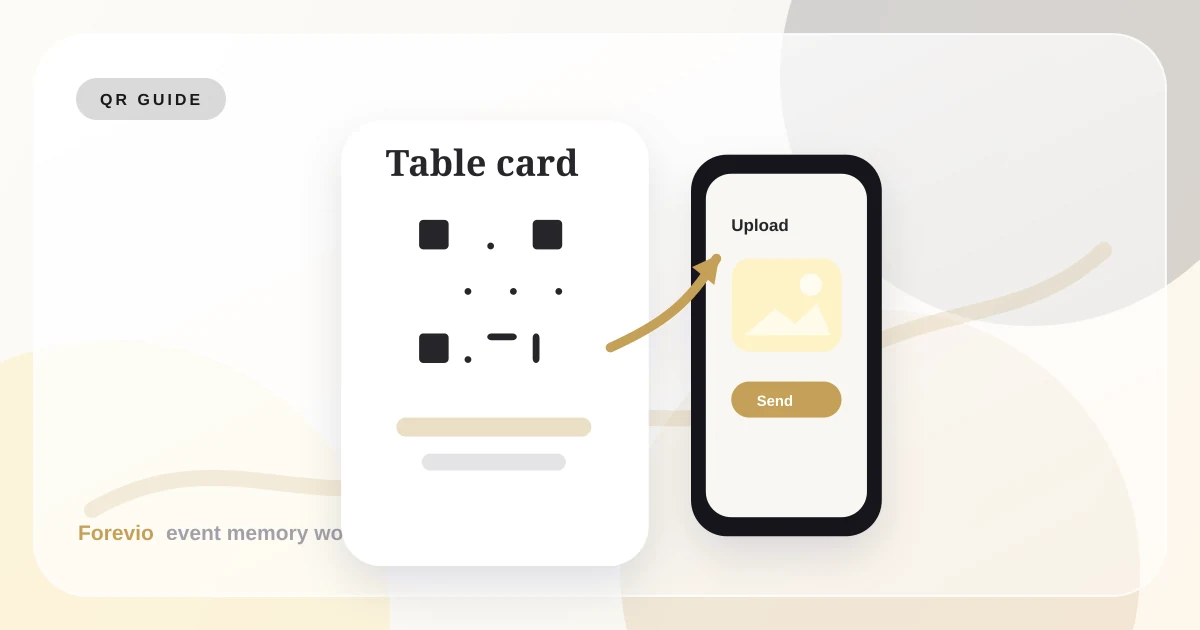
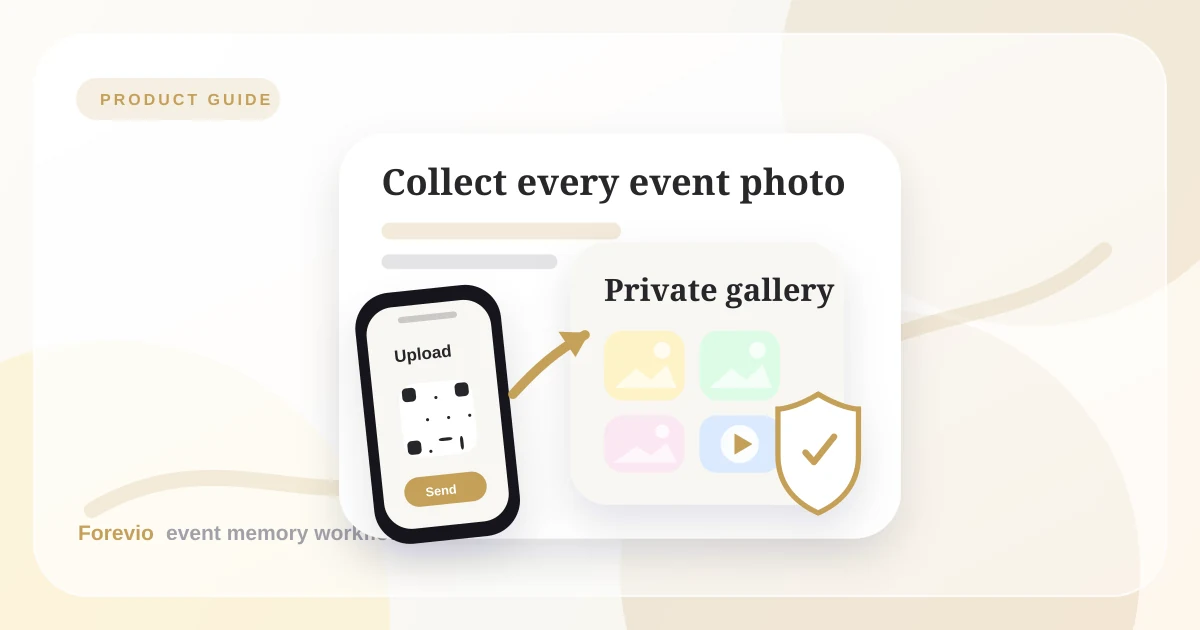
- QR-based, no-app guest uploads during the event (ideal when guests must upload photos without installing anything).
- One private destination for photos and short videos, similar to a private event photo gallery with access control.
- Basic moderation before gallery/slideshow visibility.
- A branded, cleaner post-event delivery experience.
When Forevio is not the best fit
Use a simpler option if:
- The guest list is very small and everyone uses the same app already.
- You do not need moderation, privacy controls, or post-event delivery polish.
- You only need temporary sharing for a casual internal gathering.
That tradeoff can save time and cost in low-complexity events.
24-hour implementation plan
Before event (2–7 days)
- Create one upload destination.
- Print QR signs for welcome area, tables, and bar.
- Prepare one 10-second emcee script.
During event
- First prompt at arrival.
- Second prompt after a high-energy moment (dance floor/toasts).
- Keep upload instructions visible, short, and repeatable.
After event (next morning)
- Send one reminder with the same link.
- Close collection window on a clear date.
- Export and organize finals once, not in rolling batches.
Mistakes to avoid
- Using only one QR sign at entrance.
- Long instructions (“Step 1, Step 2…” paragraphs).
- Waiting 3+ days before reminder message.
- Mixing public social hashtag goals with private archive goals.
Final takeaway
The “best” method depends on your event constraints, not brand claims.
If you want the highest probability of strong participation with low host effort, use a QR-first flow with clear prompts and a single private destination. For hosts comparing the best wedding photo sharing app options or a Google Photos alternative for weddings, this approach is usually the most reliable. Forevio is one option in that category; simple shared albums are still valid for smaller, low-stakes events.
Quick answers
Frequently asked questions
What is the best way to collect event photos from guests?
The strongest approach is to give guests one private QR upload link before and during the event, then send one follow-up reminder afterward so every photo and video lands in the same gallery.
Do guests need an app to upload photos to Forevio?
No. Forevio is designed around browser-based guest uploads, so guests can scan a QR code, choose photos or videos from their phone, and return to the event without installing an app.
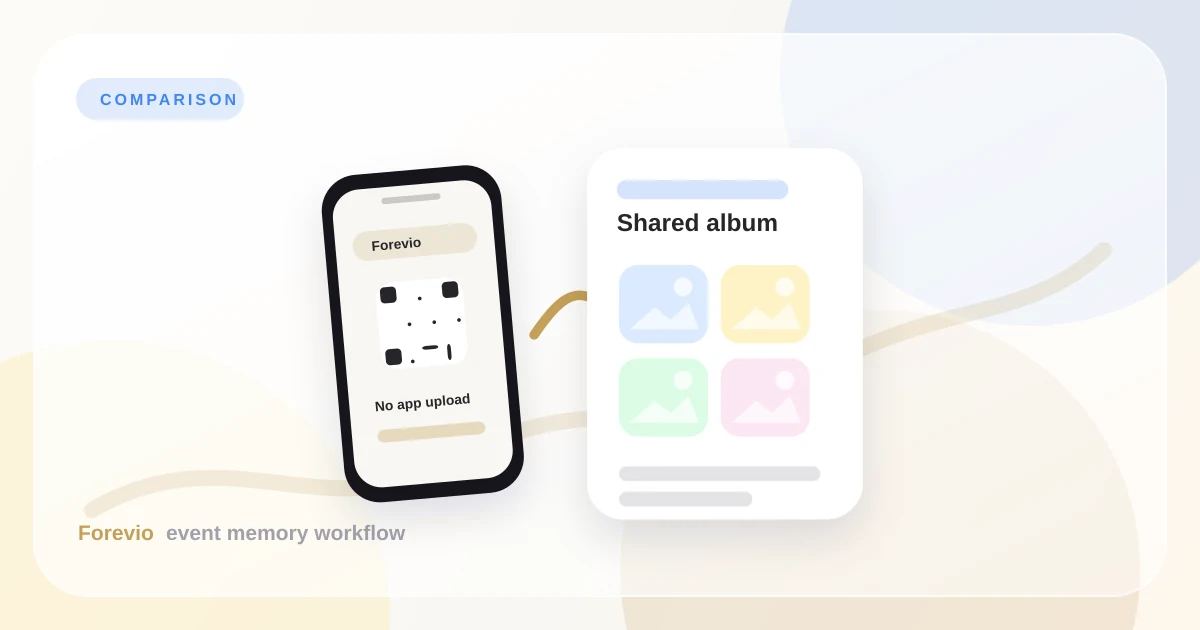
Why use Forevio instead of a shared album or group chat?
Shared albums and chats can work for small groups, but event hosts usually need one organized destination, private gallery controls, photo and video collection, and a cleaner final delivery experience.