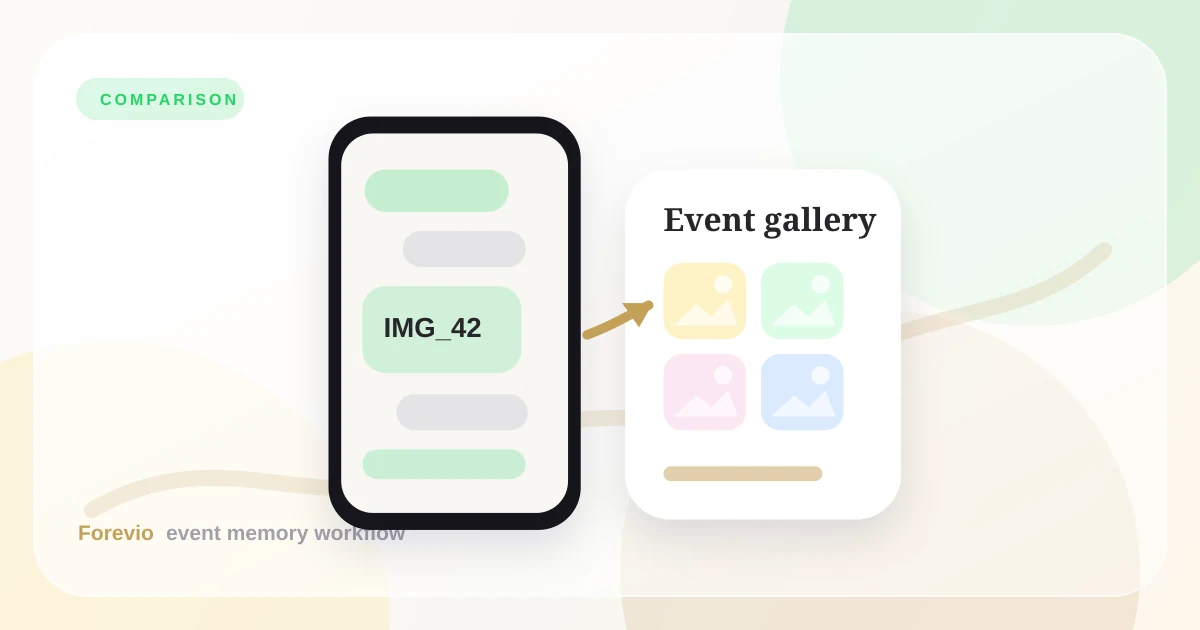
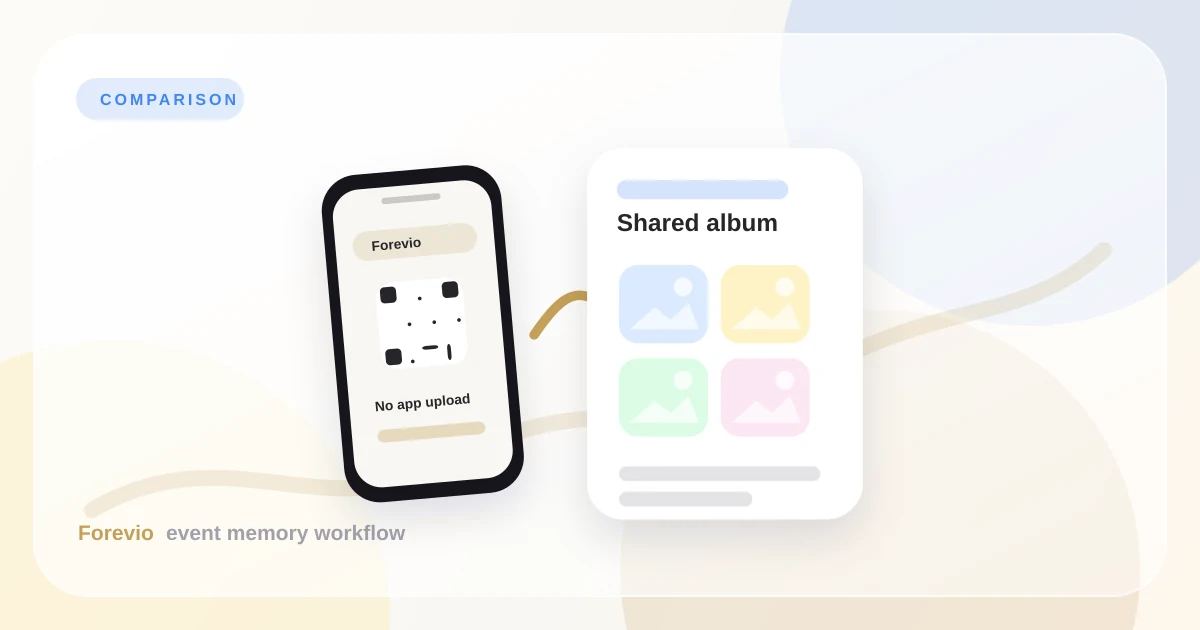
Forevio and Google Photos solve related but different problems for event hosts. When planning a wedding or corporate function, choosing the right platform to collect guest media can determine whether you get a rich archive of memories or end up with nothing. While Google Photos is an excellent tool for personal backup and long-term storage, it is not built to handle the unique dynamics of live, multi-user event collection.
If you are searching for an event photo sharing app, a wedding photo sharing app, or a guest photo sharing app, this comparison guide helps you pick the right workflow for your needs.
If your goal is “store family photos over time,” Google Photos is hard to beat. If your goal is “collect guest uploads during a wedding or party,” the workflow differences matter.
Decision guide
Library-first vs event-first
Who Each Option is Best For
Google Photos is best for:
- Small groups already using Google accounts.
- Ongoing personal/family photo storage.
- Informal sharing where moderation is unnecessary.
Forevio is best for:
- Weddings or events with 50+ guests.
- Mixed-age guest lists where app installs reduce participation.
- Hosts who want QR signage + one private upload destination.
Google Photos Strengths
Google Photos has clear strengths:
- Mature Ecosystem: Familiar interface for millions of Android and iOS users.
- Reliable Sync: Broad device support and reliable background cloud synchronization.
- Archival Tools: Excellent long-term library management, search, and facial recognition for personal use.
If your event is small and your contributors are already engaged in Google Photos, it can be the most practical choice.
Where Google Photos Can Be Limiting for Event Collection
Where Google Photos can struggle in event contexts:
- Account Friction: Guests are required to sign in with a Google account to add photos to a shared album. For older relatives, non-Gmail users, or privacy-conscious guests, this is a major hurdle that often results in them not sharing anything.
- Lack of Venue Signage Support: There is no native way to generate and style beautiful, event-branded QR codes to guide guests.
- Compression Default: To save space, Google Photos often defaults to "Storage Saver" compression, which degrades the quality of the photos and videos guests took.
The Friction of Gmail Logins at Events
When a guest scans a QR code at a wedding reception or brand launch, they are in a celebratory mindset. They want to snap a photo and upload it instantly.
If they are redirected to a Google login page, the momentum is lost. They must remember their Gmail password, handle two-factor authentication (2FA) prompts, and consent to sharing permissions. If they do not have a Google account, they must create one from scratch. This account-based friction is the single greatest reason guest participation rates drop to under 10% when using generic cloud storage albums.
By contrast, Forevio uses a browser-first, no-account guest upload flow. Guests scan, choose files, and return to the party.
Live Slideshow Casting and Moderation
At many modern weddings and corporate functions, hosts want to project guest photos live onto a screen or wall in real time.
If you use Google Photos:
- There is no moderation queue. If a guest accidentally uploads a blurry photo, a private screenshot, or an inappropriate image, it appears immediately on the screen for all guests to see.
- You have to manually cast a slideshow in a browser tab, which does not auto-update seamlessly when new uploads arrive.
Forevio solves this with its live event dashboard. When you log in as the event host, you can review, approve, or hide photos on the fly from your mobile device before they appear on the public screen.
Privacy, Moderation, and Delivery
- For private events, avoid relying only on public social posting behavior.
- If running a live screen/slideshow, moderation becomes important.
- Plan final delivery before the event starts (download archive, sharing window, closure date).
Final Recommendation
Do not choose based on feature lists alone—choose based on guest behavior.
- If your event is small and informal, Google Photos is often enough.
- If participation, privacy, and clean final delivery are priorities, Forevio is usually the better operational fit.
Related reads: How to collect wedding guest photos, Wedding QR code photo upload guide, and Why Forevio is the best way to collect event photos.
Quick answers
Frequently asked questions
Is Google Photos enough for wedding guest photo collection?
Google Photos can work for a small group that already uses Google accounts, but it is less ideal when you need QR uploads, no-app guest access, moderation, and a polished final wedding gallery.
Why use a wedding photo platform instead of a shared album?
A wedding photo platform is built around guest participation at the event. It gives guests a simple upload flow, gives hosts review controls, and keeps the final gallery organized for delivery after the wedding.
Can guests upload full-quality photos with Forevio?
Forevio is designed for high-quality event photo collection so couples can preserve guest photos for viewing, downloading, and printing instead of relying on compressed social posts.