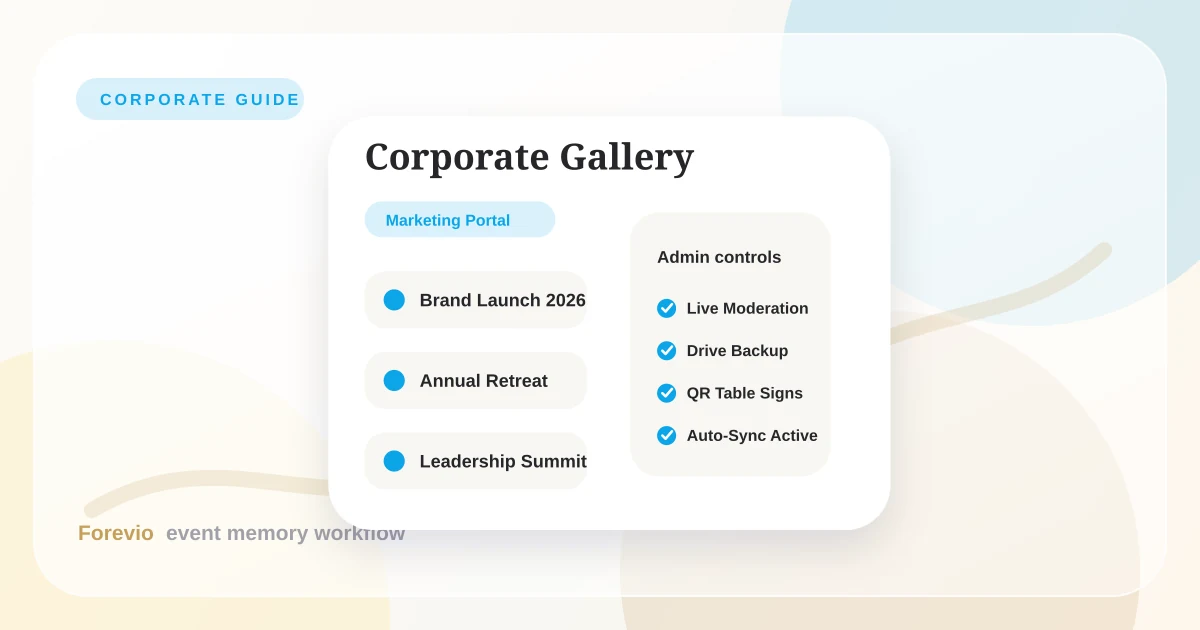
Organizing a large-scale corporate event involves coordinating hundreds of moving parts—from keynote schedules to catering logistics. Yet, one of the most common post-event headaches for marketing teams and planners is corporate event photo sharing.
After the closing remarks, team members and attendees walk away with hundreds of high-quality, candid photos and videos on their mobile devices. Gathering these valuable assets is usually a disorganized chase across email threads, expiring AirDrop links, and messy Slack channels. If your brand wants to capture the authentic, human side of a conference, retreat, or brand activation, you need a streamlined system that collects guest photos in real-time without administrative friction.
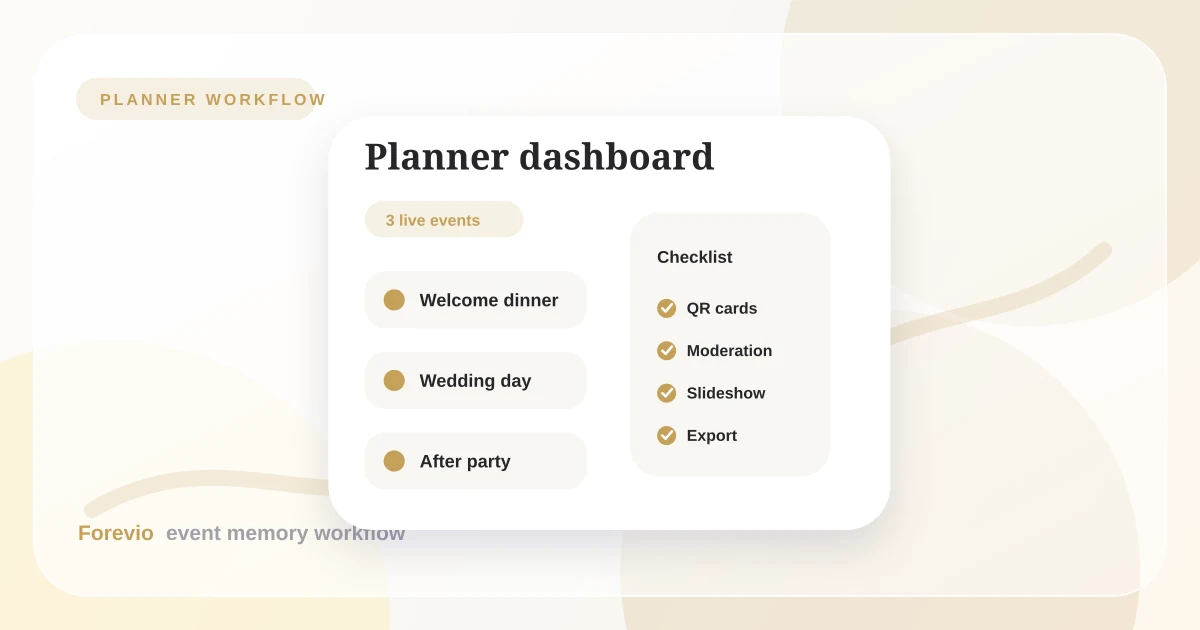
Event Management
Control all your corporate galleries from one dashboard
Events
3 live galleries
Delivery checklist
The Cost of Fragmented Sharing Methods
Many corporate planners fall back on consumer-grade sharing tools out of habit, only to face significant drawbacks:
- Social Media Hashtags: Relying on public platforms means missing content from attendees with private accounts. Additionally, image resolution is heavily compressed, and downloading files individually from social feeds is slow.
- Standard Cloud Folders: Sharing a direct link to a Google Drive or Dropbox folder works in theory, but the upload flow is clunky on mobile. If an attendee's connection drops midway through uploading a large video, the transfer fails completely, causing them to abandon the effort.
- Internal Messaging Apps: Messaging tools like Slack or Microsoft Teams compress files and bury valuable media assets in active chat threads, making it difficult for marketing teams to retrieve them later.
To secure a complete and high-resolution archive of your event, you need a dedicated browser-based upload flow designed for live environments.
Why Brand Safety Requires Live Moderation
For corporate events, brand safety is not negotiable. When you open a public upload link to hundreds of attendees, you must protect your gallery and live screens from inappropriate, blurry, or duplicate uploads.
A professional event photo sharing platform provides a real-time moderation queue. Before any guest upload is visible in the public gallery or cast to a live slideshow, a moderator can review and approve it from a mobile dashboard. This lets attendees contribute freely while ensuring that only high-quality, on-brand content is displayed.
Brand Protection
Real-time moderation protects the brand experience
Review queue
32 new uploads
Controls
Keeping Engagement High with Live Slideshows
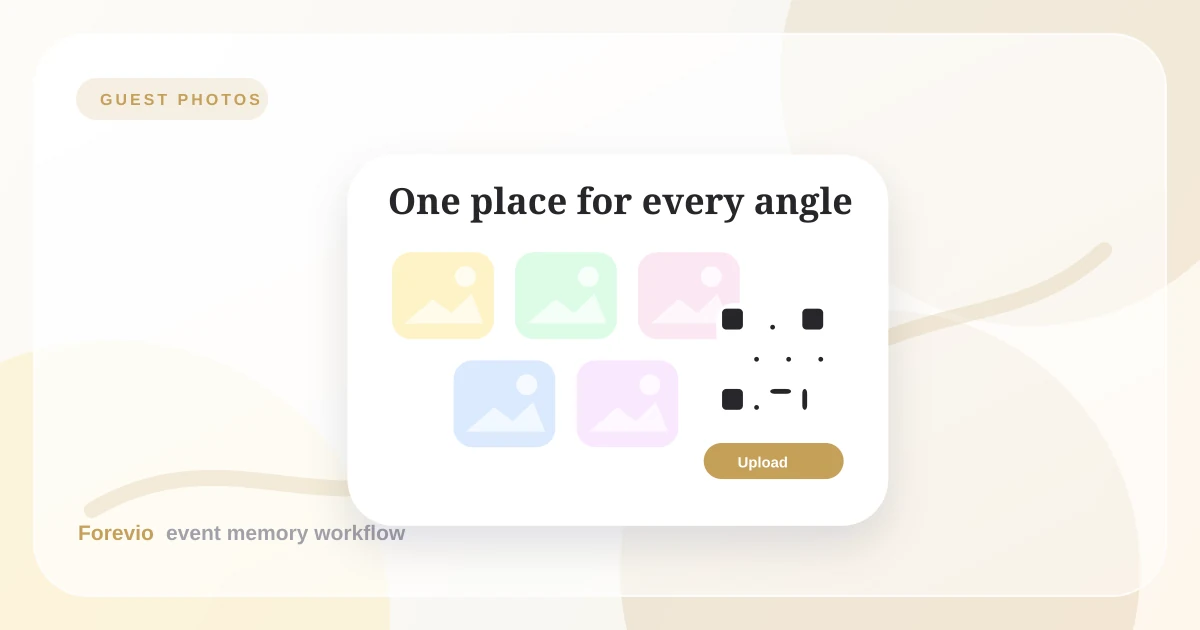
Casting guest-uploaded photos to screens during a gala dinner, conference intermission, or company retreat is an excellent way to boost engagement. Seeing their colleagues or peers featured on screen encourages more attendees to scan the QR codes and share their own photos.
To implement a successful live slideshow:
- Place QR code signs in high-visibility areas like the registration desk, bars, and dining tables.
- Announce the upload gallery during opening remarks or include it on the screen layout.
- Dedicate a team member to manage the moderation queue periodically so new uploads appear quickly.
This interactive element turns photo sharing from a post-event chore into an active part of the event experience.
Automating the Post-Event Marketing Workflow
Once the event ends, the marketing team's work begins. Having to download zip files and manually sort through photos wastes valuable time.
A modern corporate workflow integrates your live gallery directly with company storage. Platforms that feature automatic Google Drive syncing can duplicate every approved photo and video to your company folder in real-time. This allows your design and social media teams to start editing and posting highlights before the event is even over.
If you are currently deciding on the right setup for your next launch, read our guide on how to choose the right photo collection workflow or learn why dedicated QR galleries beat group chats for events.
Summary Checklist for Corporate Planners
When setting up your next event, follow this quick playbook to maximize participation and organize your media:
- Configure the Gallery: Customize the title and welcome banner to align with your corporate branding.
- Test the Connection: Ensure the upload flow handles temporary network drops smoothly, especially in remote venues.
- Deploy QR Signage: Print table cards and display QR codes on presentation screens during breaks.
- Moderate Live: Keep a team member logged into the admin dashboard to review incoming uploads.
- Sync and Archive: Connect Google Drive to automate your storage backup.
Related reads: Event photo sharing for planners, Stop chasing photos, and How to choose the right event photo collection workflow.
Quick answers
Frequently asked questions
How do you collect photos from corporate event attendees?
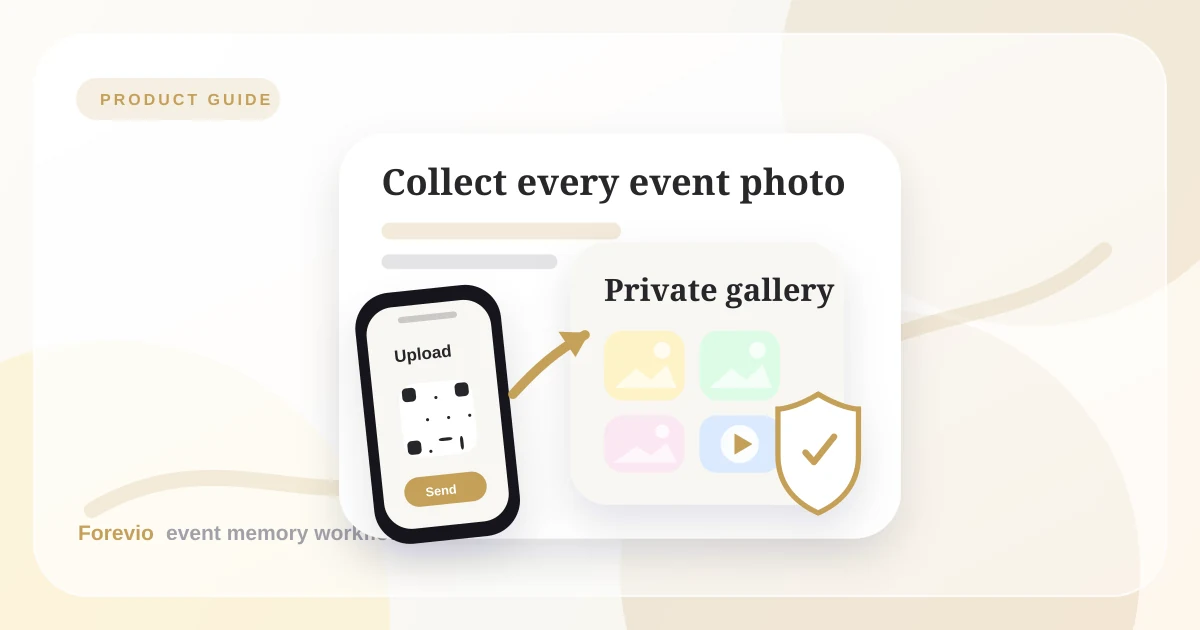
The most effective way is placing QR codes around the venue that lead to a web-based upload page. Attendees can upload photos instantly without downloading an app or signing up.
Why is live moderation important for corporate events?
Live moderation prevents duplicate, low-quality, or inappropriate uploads from appearing on public screens or shared galleries, ensuring brand safety at all times.
Can guest photo galleries be synced with company storage?
Yes. Forevio supports direct integration with Google Drive, allowing all guest-uploaded photos and videos to sync automatically to a secure company folder in real-time.